Page 10 of 20
Library bundles
Save a good beat or a whole chain of blocks, and place it in any song with the sound it had.
You made a great beat. Next week you want it in another song, sounding exactly the same, and still with room to change it. A bundle does that. It keeps a block (or a chain of blocks) in your library together with everything that makes it sound the way it does.
What a bundle holds#
- the text of the blocks and the connections between them,
- the seed of every block, so the same "random" choices are made,
- the files the blocks read: samples, sample sets, sequence files,
- the audio the blocks made last time (their takes).
Save a bundle#
Right-click a block and choose Save as bundle…. Select several blocks first to save a whole chain.
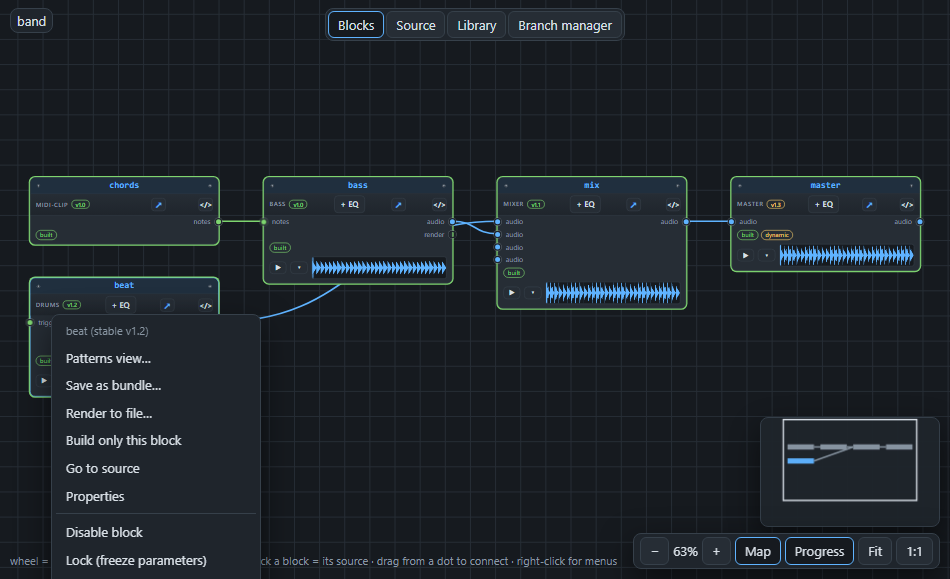
Give it a name. Build the blocks first if you want their audio saved too; a block without audio is saved without it. Connections that came from blocks outside the bundle are left out and the message tells you which ones.
Place it in a song#
Right-click an empty spot of the canvas and choose Bundle library….
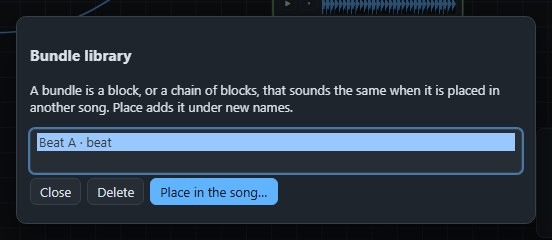
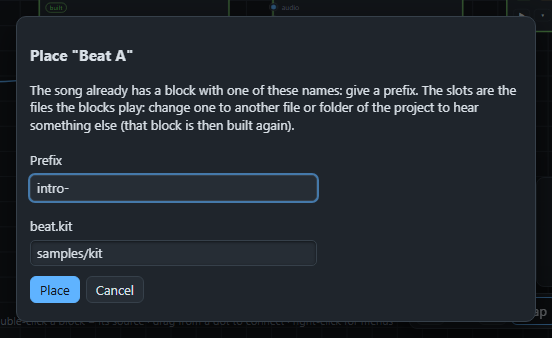
Choose Place in the song…. A prefix gives the new blocks their names; if the song already has a block with that name, nothing is changed and you are asked for another prefix.
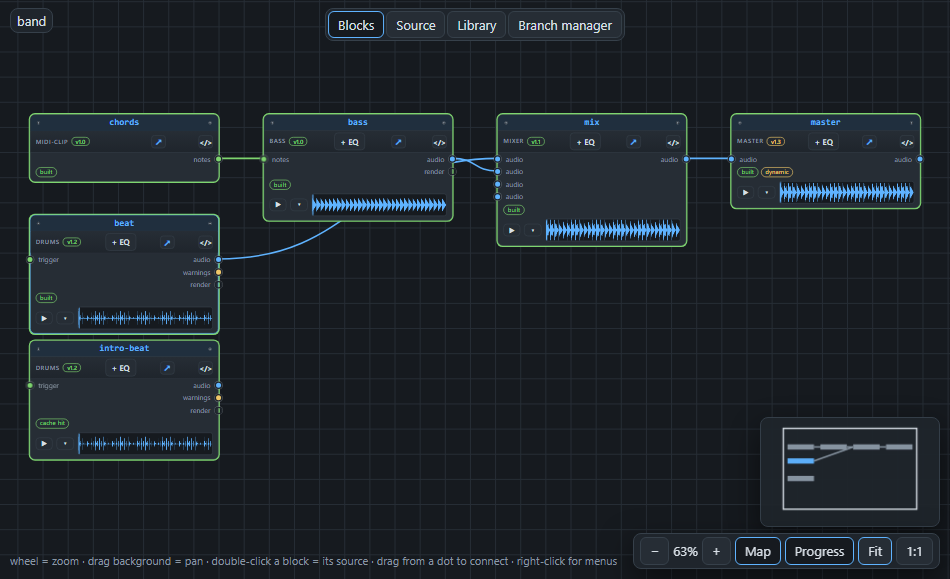
The blocks are added in one step you can undo. Their files are copied into the project if they are not there yet, their seeds are given back, and the saved audio becomes their take.
Changing it afterwards#
The place dialog lists the slots of a bundle: the settings that name a file or a sample folder. Change a slot to another file, and that block is built again with it, while the others keep their saved sound. Swapping the sample set of a beat is exactly this.
Next: music itself, in MIDI and notes.